Dynamic QR codes you own — reprint nothing, change everything, and track every scan
Reprint nothing. Change everything.
Create QR codes you own.
Update destinations forever.
Track every scan.
Privacy-first
No per-user tracking
EU-built
GDPR-friendly by design
Print-ready exports
SVG, PNG & PDF
Codes you own
Yours, unblockable
The code stays. The destination evolves.
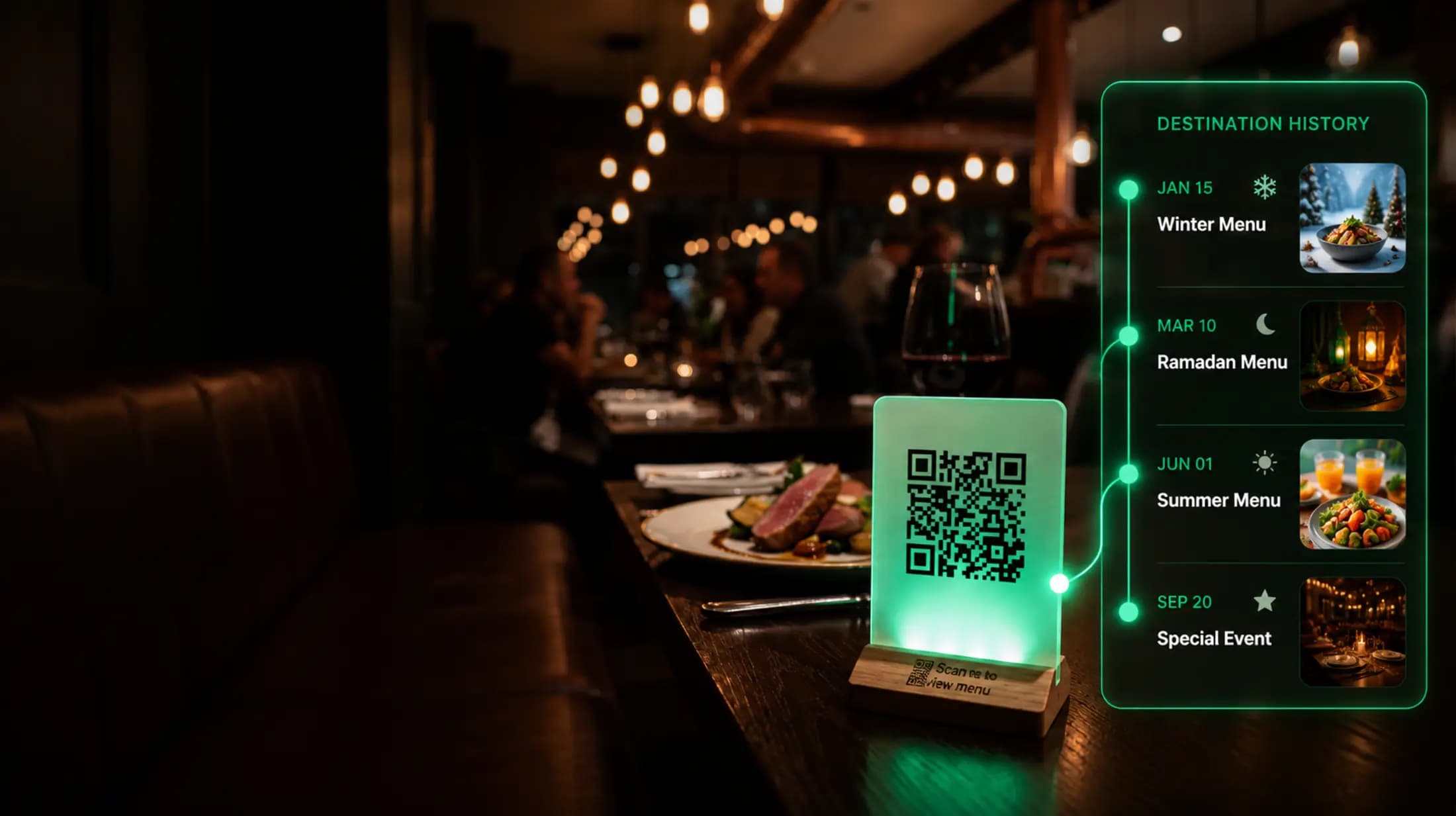
A real restaurant prints one standee — then changes where it points all year. Winter menu, Ramadan, summer, a tasting night. Same code, never reprinted.
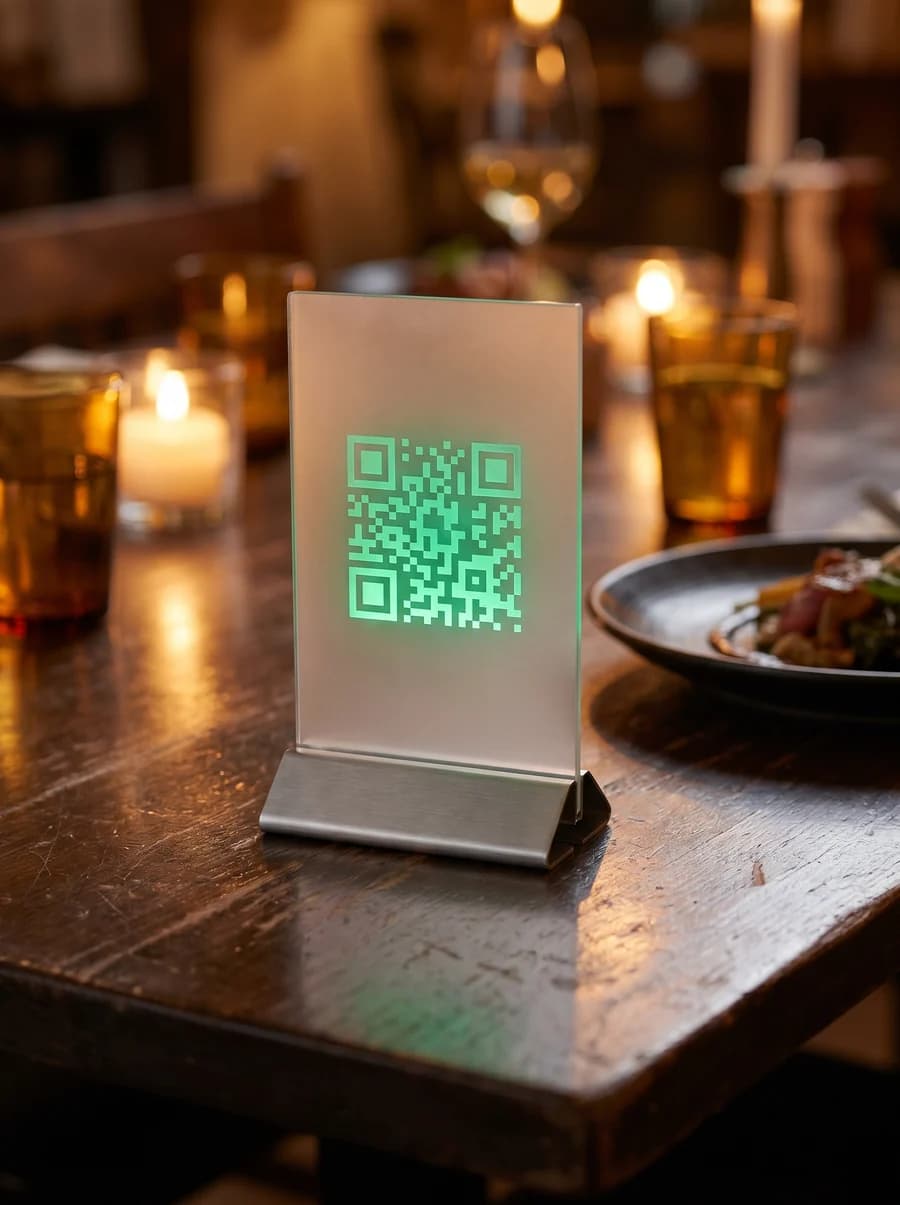
Bistro · table 12
Printed once — never reprinted
Hover a destination to preview where the code points
Powerful analytics that drive decisions
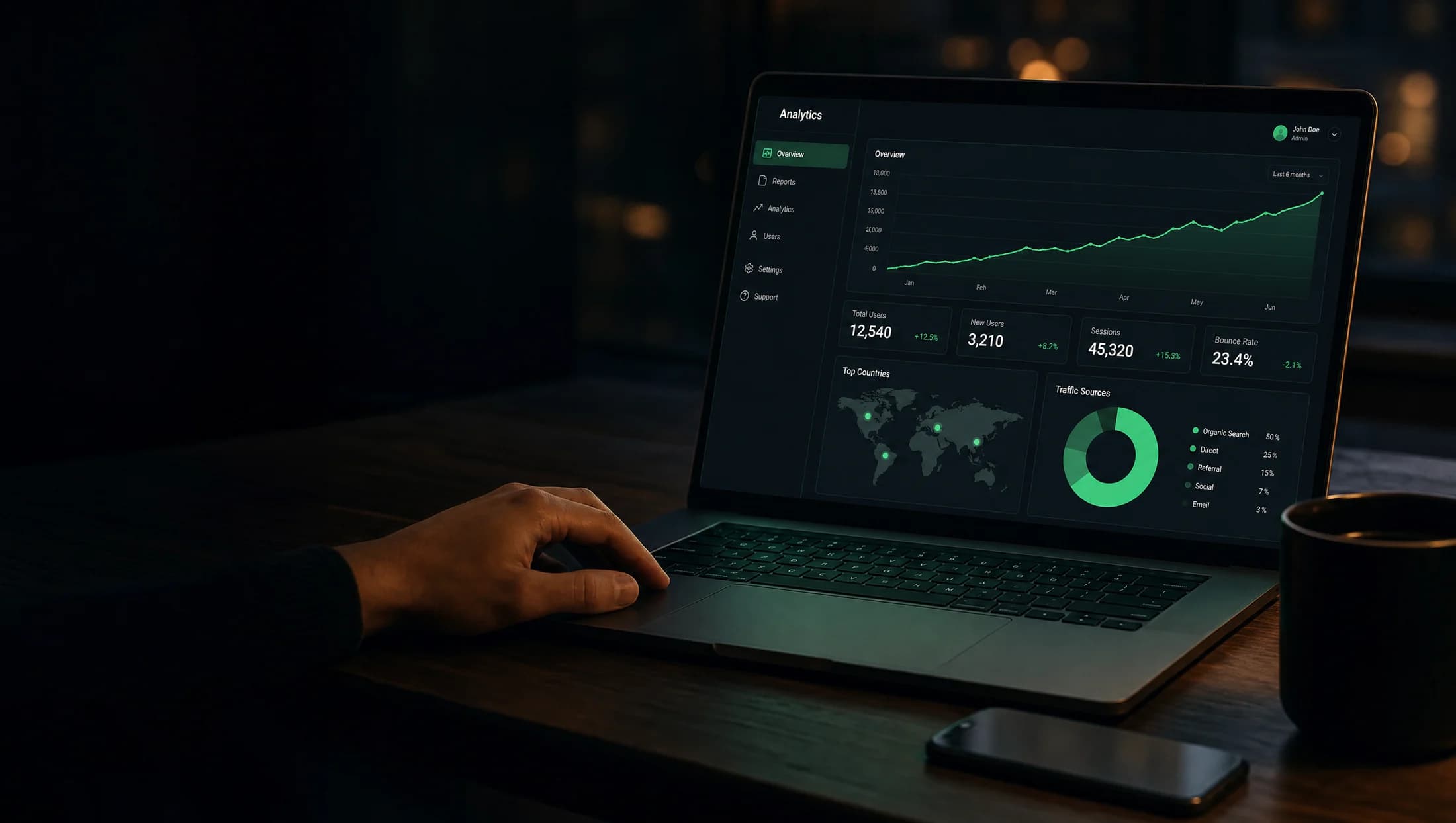
See where scans come from, what devices are used, and how your audience engages — in real time, with no tags to manage.
Total scans
128,347
+28.5%
Unique visitors
96,418
+21.3%
Countries
120
+6
Avg / day
4,278
+14.4%
- Mobile 74%
- Desktop 22%
- Tablet 4%
- United States32,451
- Germany18,234
- France12,487
- Brazil9,345
- United Kingdom7,654
- Instagram42%
- Facebook26%
- Direct18%
- Other14%
- Real-time scan tracking
- Country-level reports
- Device & platform insights
- Referrer & campaign tracking
- Visitor & repeat-scan insights
Why choose NQR over static QR codes?
A static code is locked the moment it's printed. A dynamic NQR code keeps earning.
How it works
From idea to a code you control — in three steps.
Create
Generate your dynamic QR code in seconds.
Destination URL
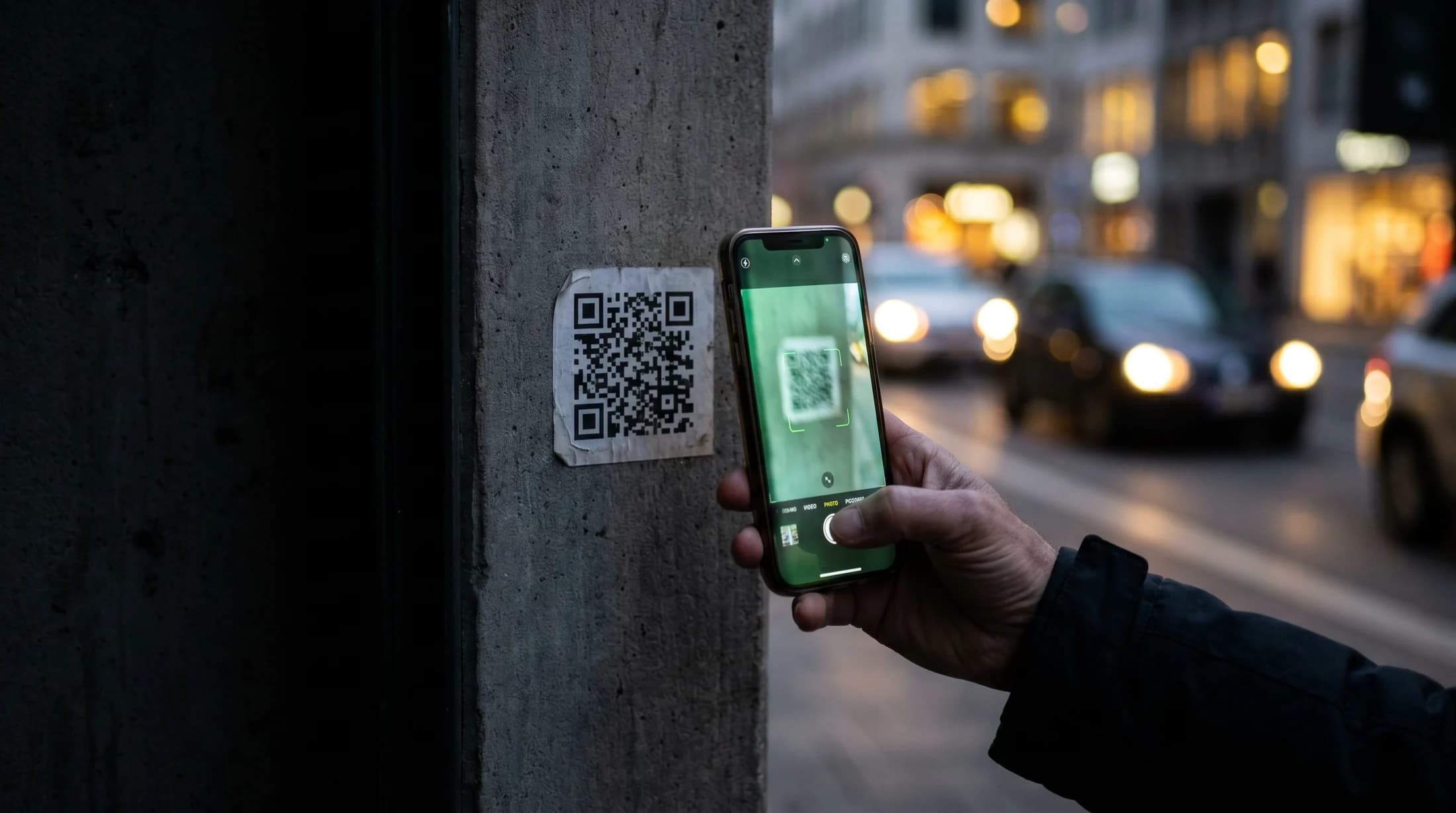
Use it anywhere — on print, packaging, screens, and more.
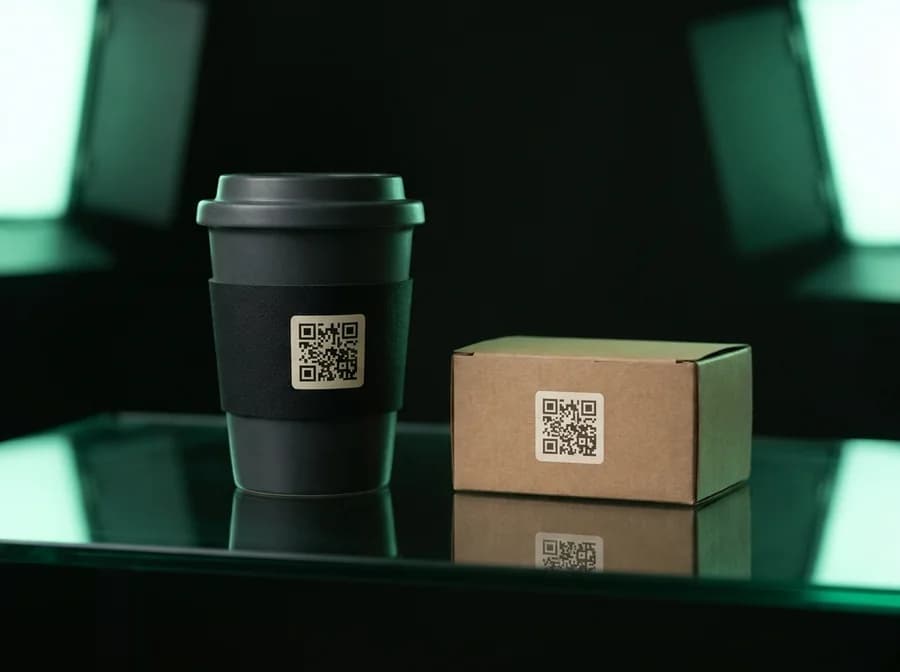
Update forever
Change the destination or behavior anytime without reprinting.
Update destination
Built like infrastructure, not a gimmick
Everything you need to create, brand, and manage QR codes that you actually control.
Change destinations forever
Edit where a printed code points anytime — eight content types (URL, Wi-Fi, vCard, email, SMS, phone, geo, text) and never a reprint.
Know what drives results
See total scans, 7-day trends, and where each scan came from — country, device, and OS — for every dynamic code.
Route every scan intelligently
Send visitors to different destinations by country, device, language, or time of day — or A/B split by weight to test what converts.
Protect sensitive content
Schedule active windows, protect a code with a password, or cap it to a set number of scans for one-time codes.
Make it unmistakably yours
Custom colors, gradients, dot and eye shapes, a caption frame, your own center logo — plus a memorable vanity slug.
Scale and ship to print
Bulk-create codes from a CSV with shared tags, then export crisp SVG, PNG, or print-ready PDF at any size in a click.
Built for every industry
Wherever a code gets printed, NQR keeps it editable and tracked.
Frequently asked questions
Everything you might want to know before you start.
What makes a QR code “unblockable”?
Dynamic codes resolve through your own NQR redirect — not a third-party scanner app or shortener that can disable or rate-limit them. As long as NQR is up, the code works.
What's the difference between dynamic and static codes?
A static code encodes the destination directly — it's immortal but can't be changed. A dynamic code points at your redirect, so you can edit the destination anytime and every scan is tracked, without reprinting the code.
Can I change where a printed code points after it's printed?
Yes — for dynamic codes. Edit the destination URL and the same printed QR instantly points somewhere new. The image never has to be reprinted.
What analytics do I get?
For each dynamic code: total scans, last-7-day trend, and recent scan activity. Static codes encode their content directly, so they aren't tracked.
Which content types are supported?
Eight: URL, plain text, Wi-Fi, vCard contact, email, SMS, phone, and geo location — each with custom colors, dot and eye shapes, gradients, a caption frame, and your own center logo.
How do I export codes for print?
Download any code as crisp SVG (vector, print-ready), PNG (raster), or a print-ready PDF — at any size, in a click. You can also bulk-create many codes at once from a CSV.
Can one code send people to different places?
Yes. Routing rules send each scan to a different destination based on country, device, language, or time of day — and A/B split distributes scans across destinations by weight so you can test what converts. You can also schedule active windows, password-protect a code, or cap it to a number of scans.
How much does it cost?
NQR is free while in beta — every feature, no card required. Paid plans for higher limits and teams are on the way. See the pricing page for details.
Your QR codes should belong to you
Create once. Update forever. Track every scan.